
Timestamp for Confluence
Timezone-aware dates, countdowns, and local time conversion for Confluence Cloud pages.
Upgrade your timestamps with a powerful macro for Confluence.
Confluence's built-in date macro is just the start.
Add precise times, translate them across timezones, and show time differences automatically.
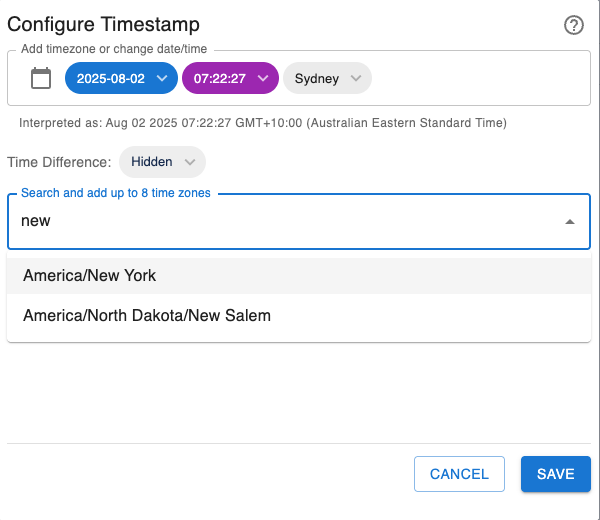
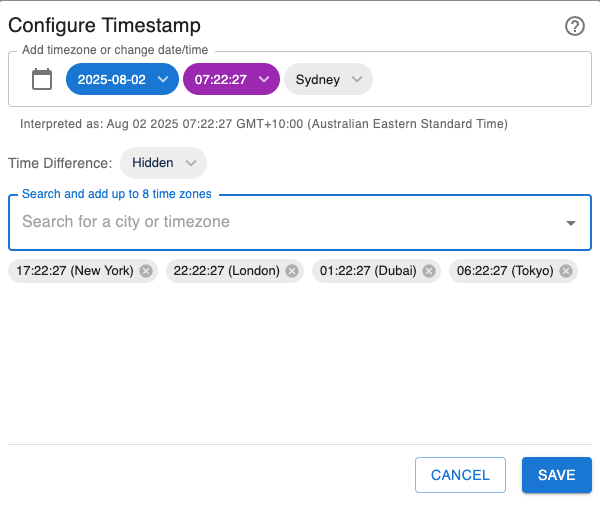
Key Features
-
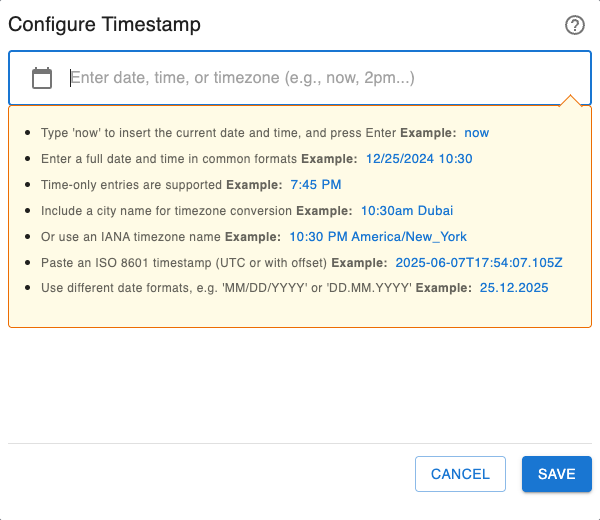
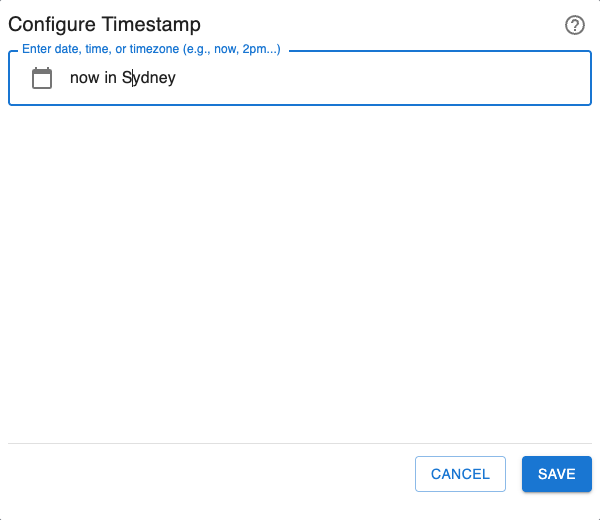
Natural Language Input: Just type what you mean! The macro understands inputs like 10:30am Dubai, now in london, 12/25/2024, and even full ISO 8601 timestamps.
-
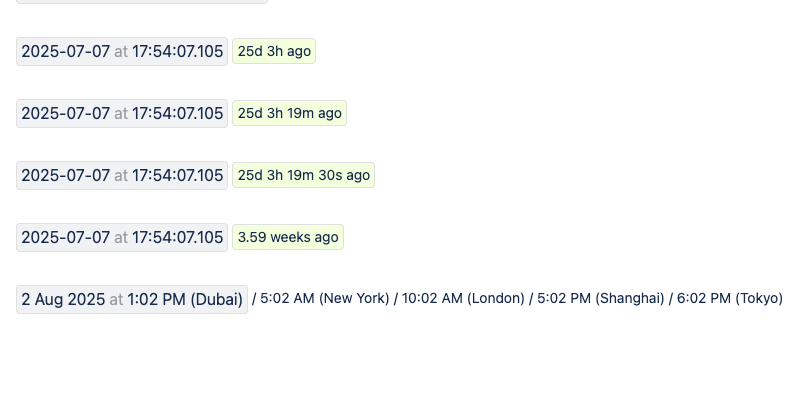
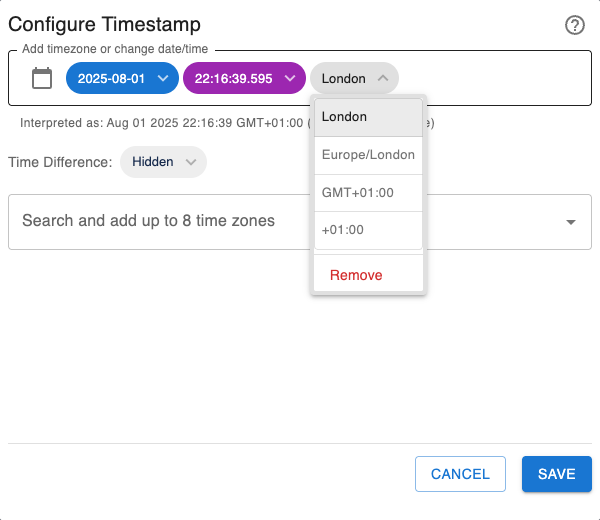
Automatic Timezone Conversion: Effortlessly manage project deadlines and meeting times across the globe. Timestamps can display the source time and even show the equivalent time in each viewer's local timezone.
-
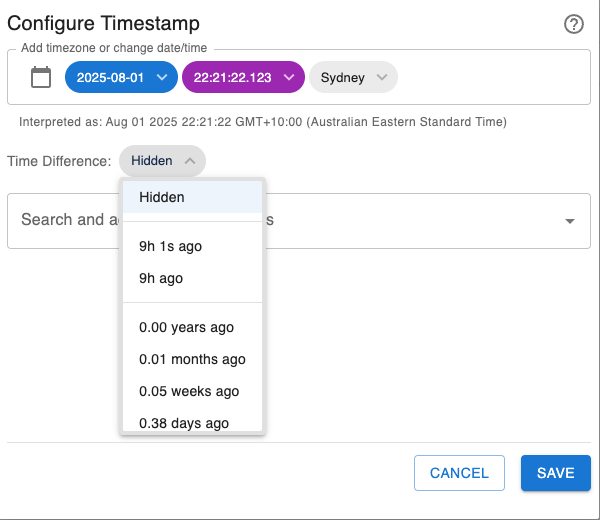
Dynamic Countdowns & Count-ups: Go beyond static dates by showing relative times that update automatically, like ...in 2 hours or ...30 minutes ago. Perfect for event launches and deadlines.
-
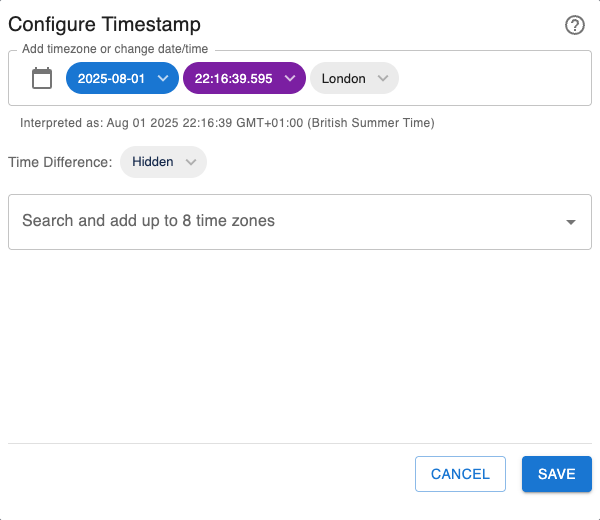
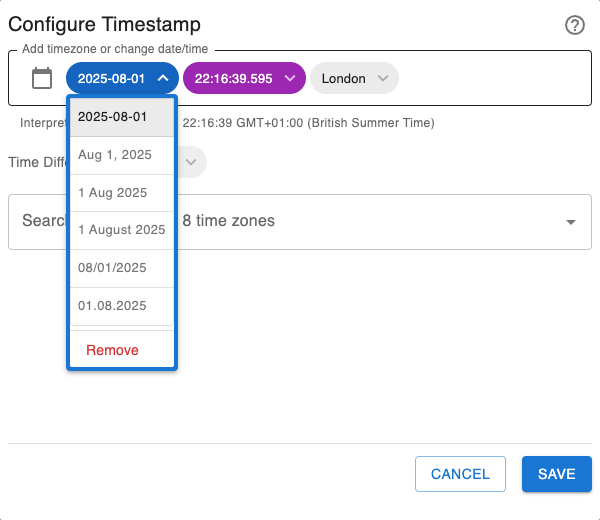
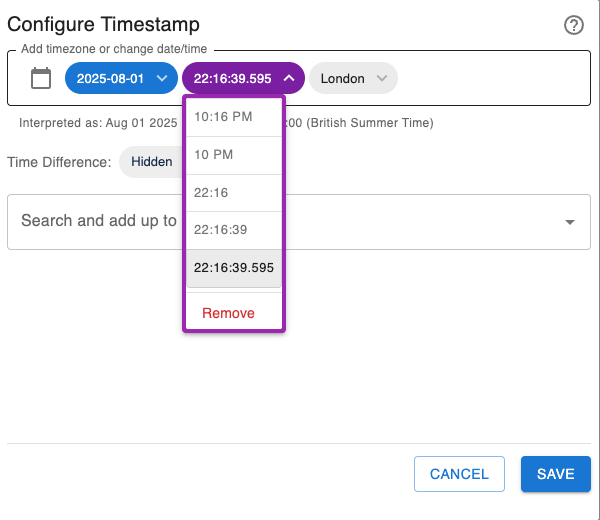
Interactive & Visual Editor: Use the simple chip UI and a live preview to build your perfect timestamp with confidence. The intuitive date picker and smart parsing make it foolproof.
-
One-Click ISO Copy: Click any timestamp on the page to instantly copy the full, unambiguous ISO 8601 format to your clipboard, perfect for technical logs and external systems.
For more details, read our Guide for Timestamp
Setup
- Go to Timestamp on Atlassian Marketplace.
- Click Try it free and follow the instructions.
How to use it
- Type /timestamp or /now and press Enter.
- Click the macro edit icon to configure date, time, timezone, and display formats.
- Click Save, or press Ctrl+Enter on Windows or Command+Enter on Mac.